May 2023
Furniture Shop
Since I've run out of content, this is a copy of the second post. The posts describe the template's features, so if you missed it, I recommend starting with the first post.
There are three options for the preview aspect ratio: Quad, Album, and Portrait. I set the title backgrounds for Portrait, so in other options it may not look consistent with the image.
You can also choose 4, 3, 2, or 1 column and set different numbers for different resolutions.
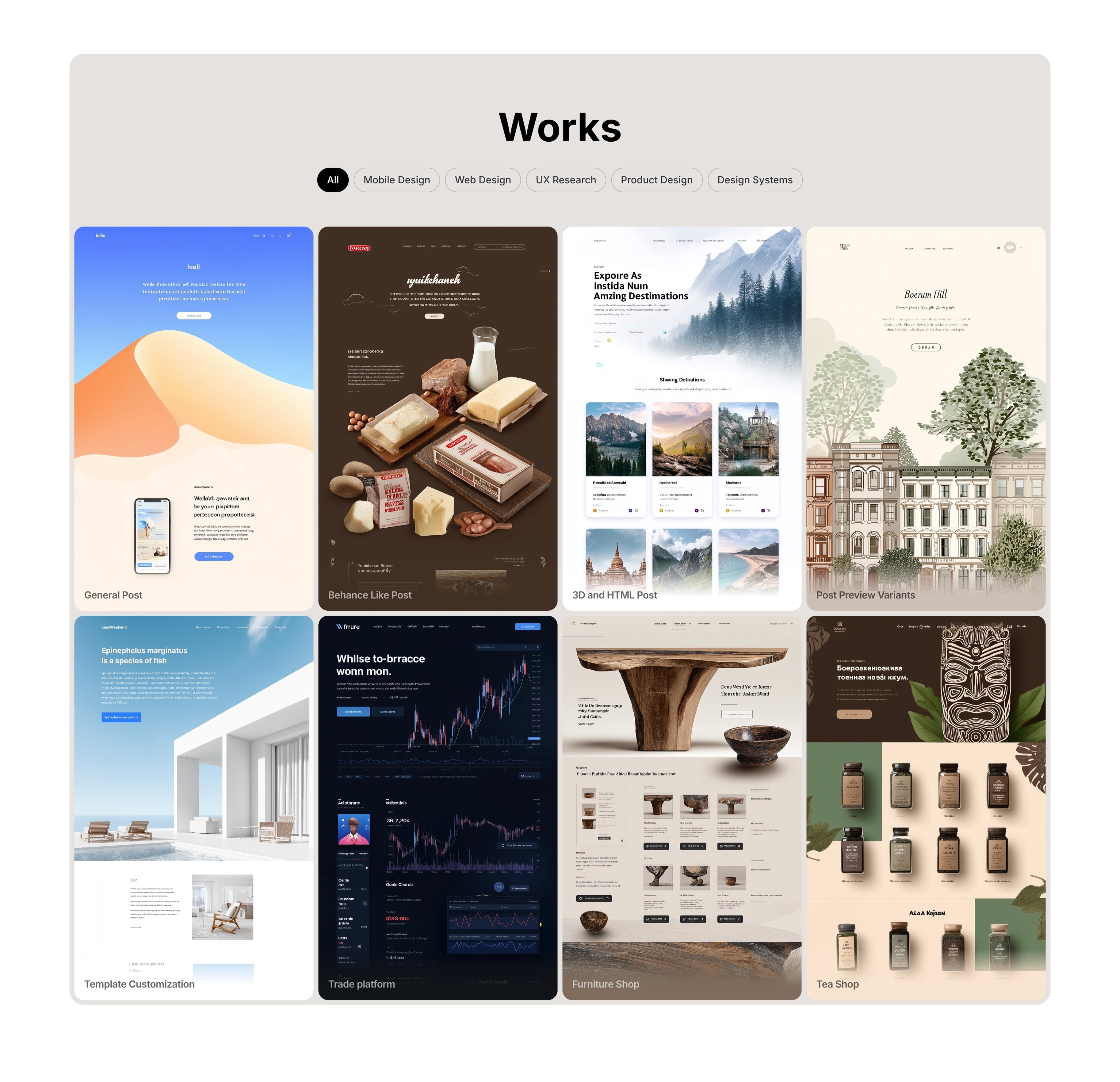
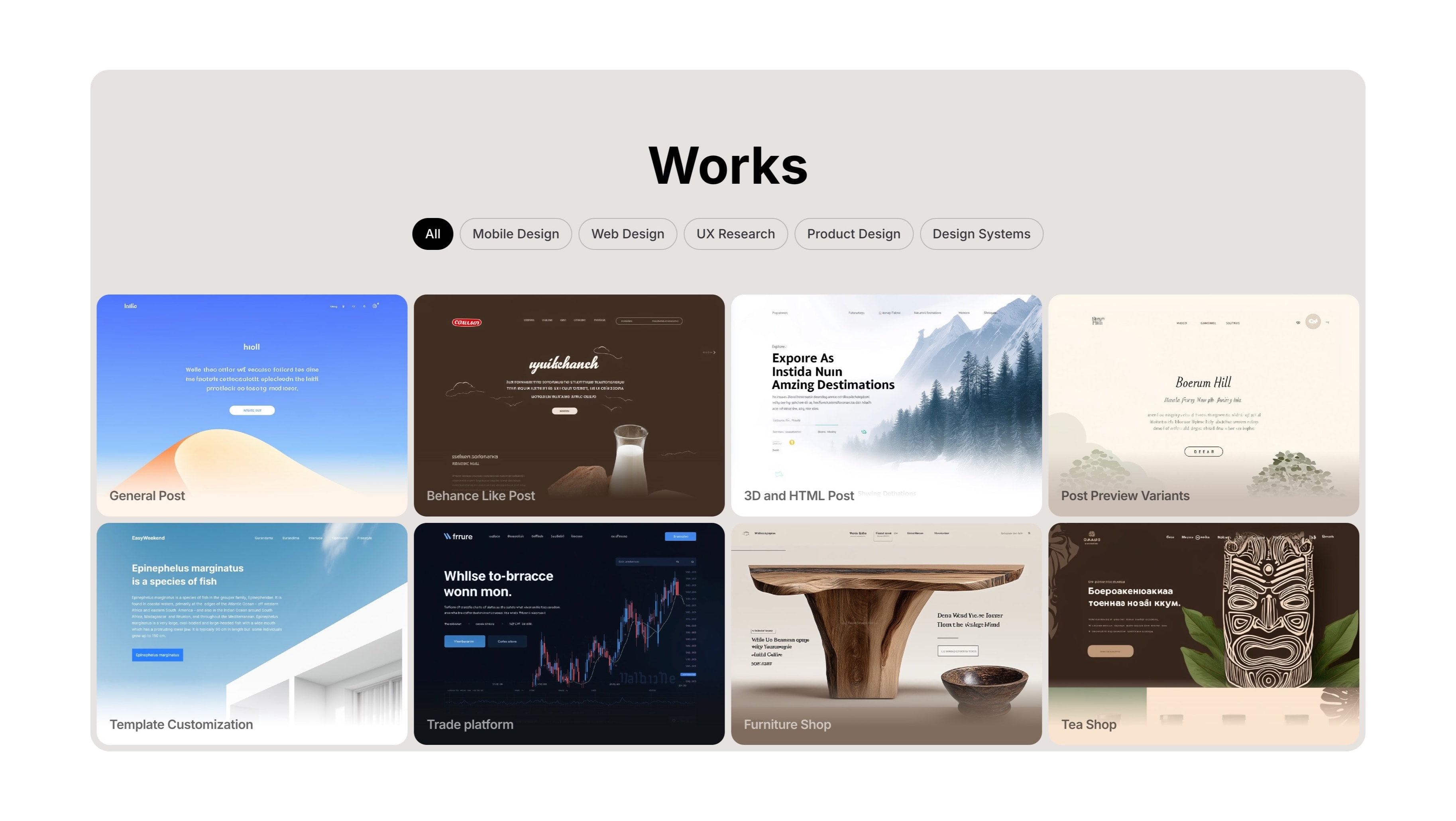
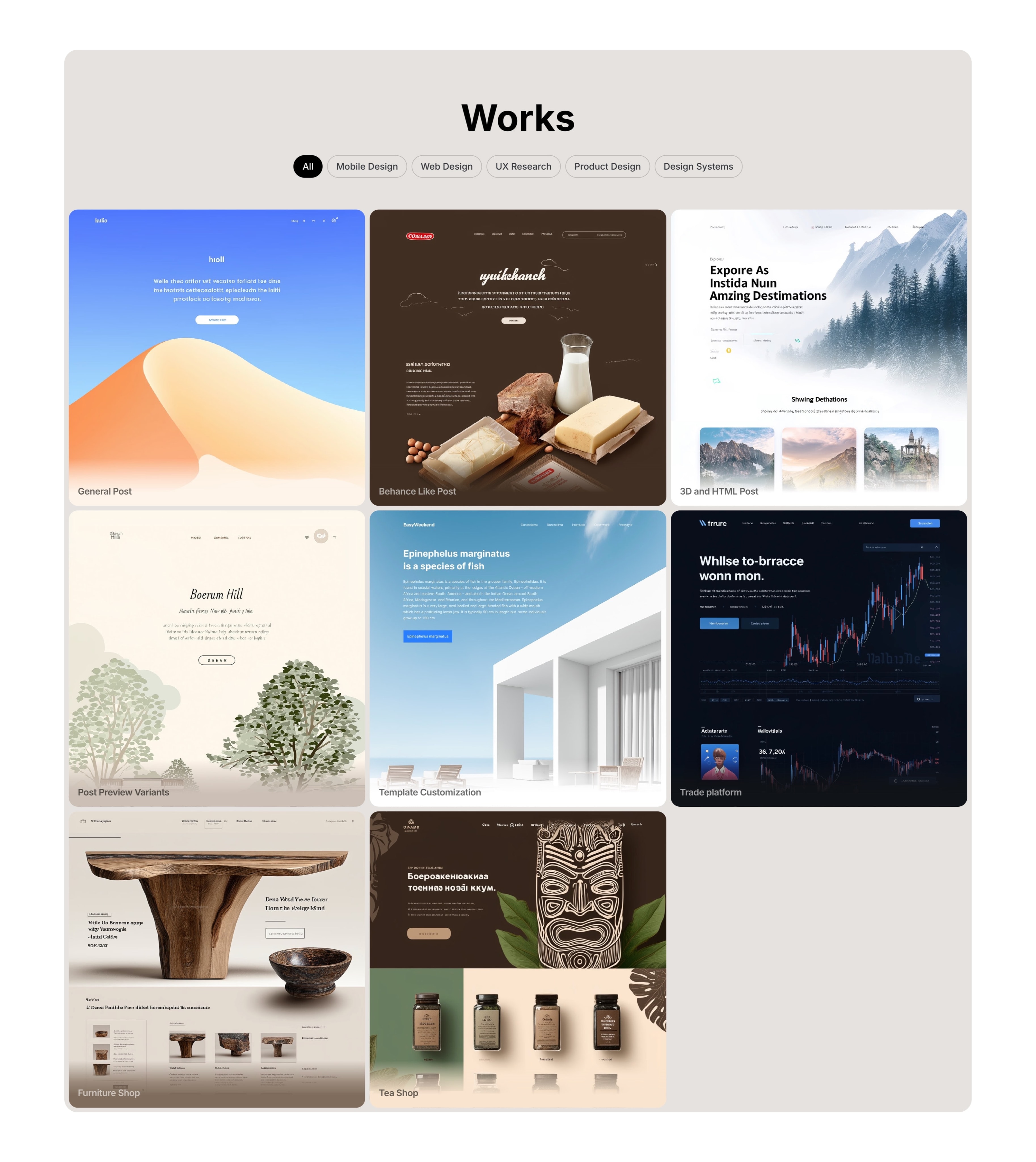
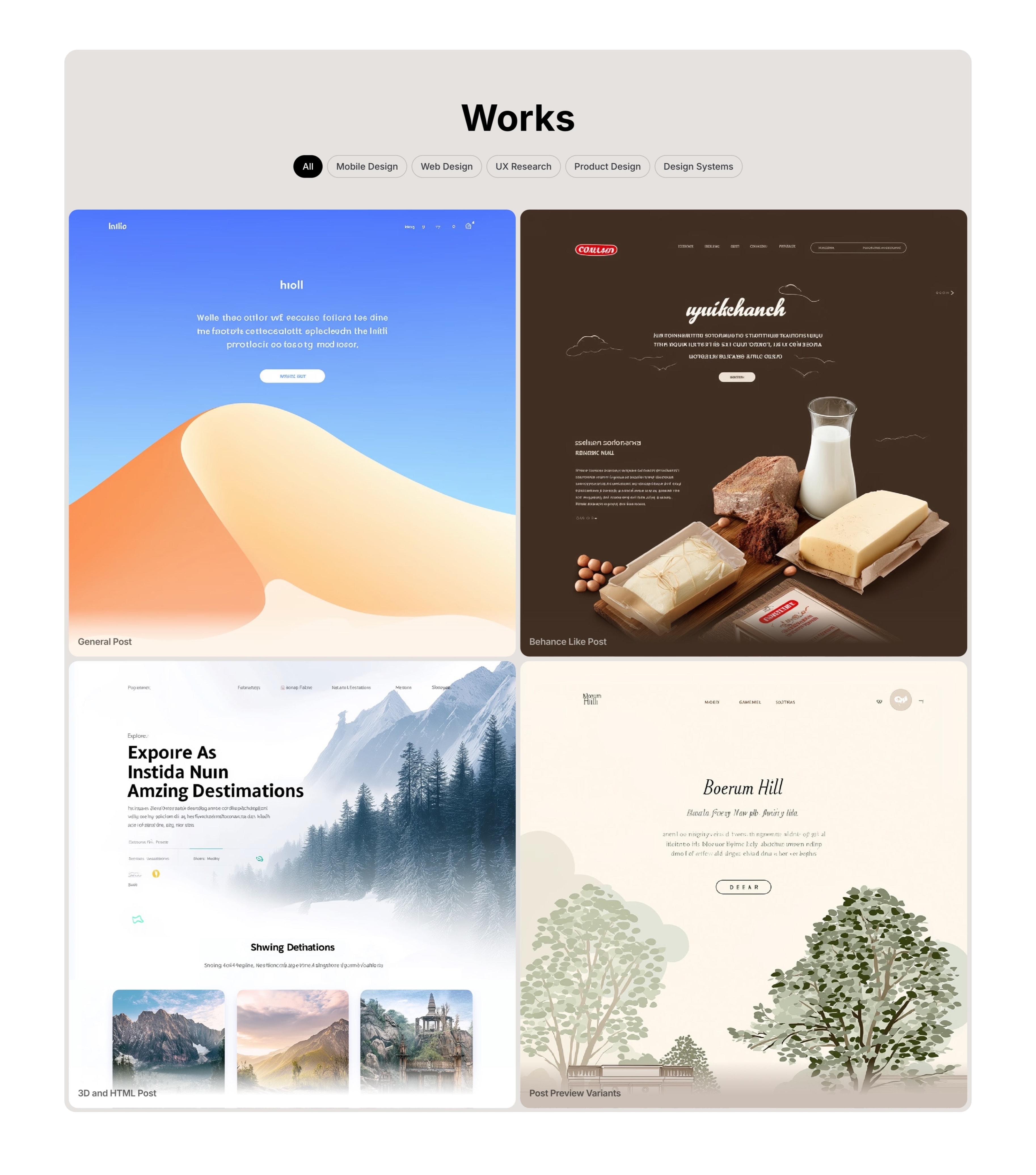
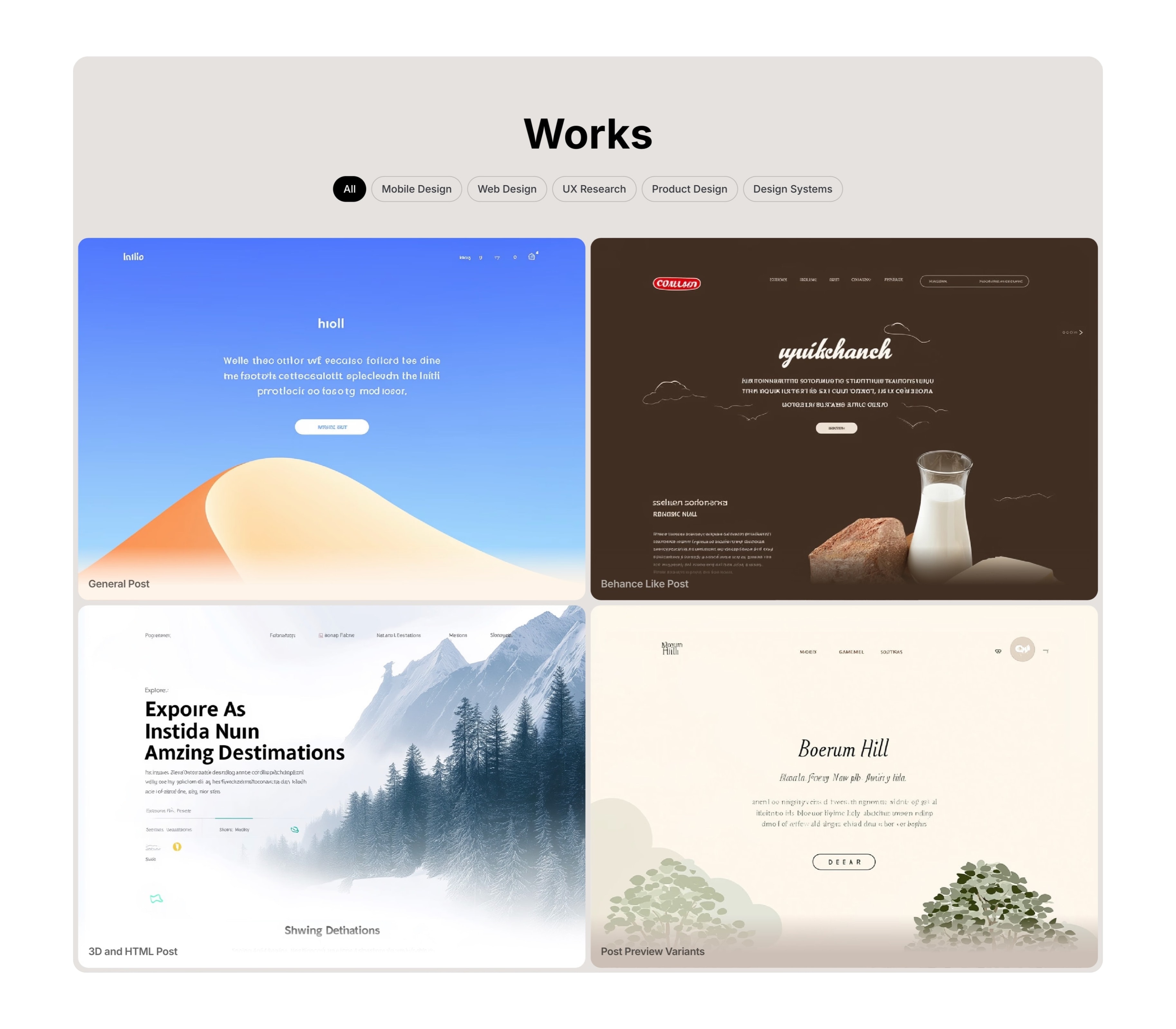
You can choose simple titles under the image:
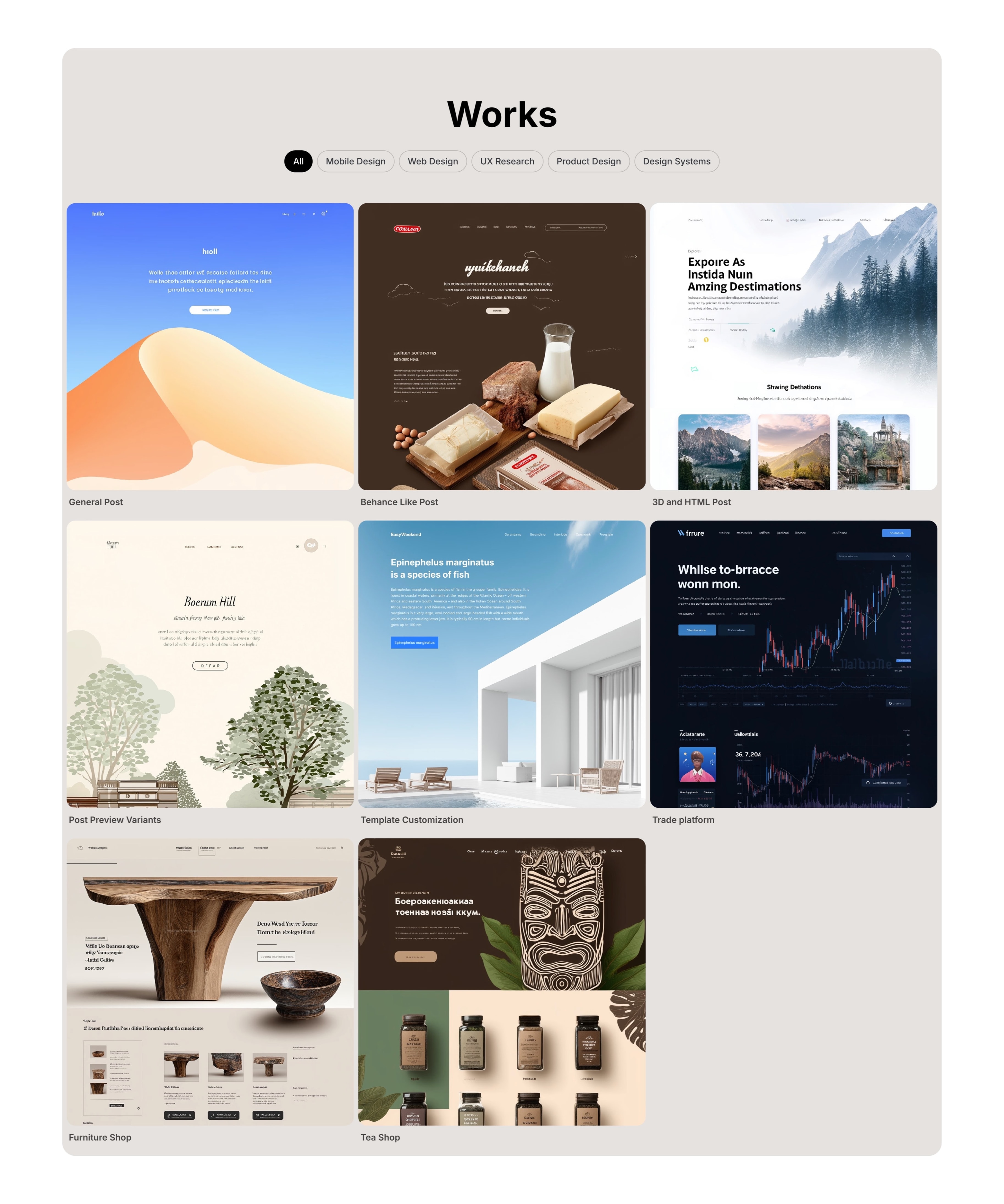
Headings above images can be customized for each individual post:
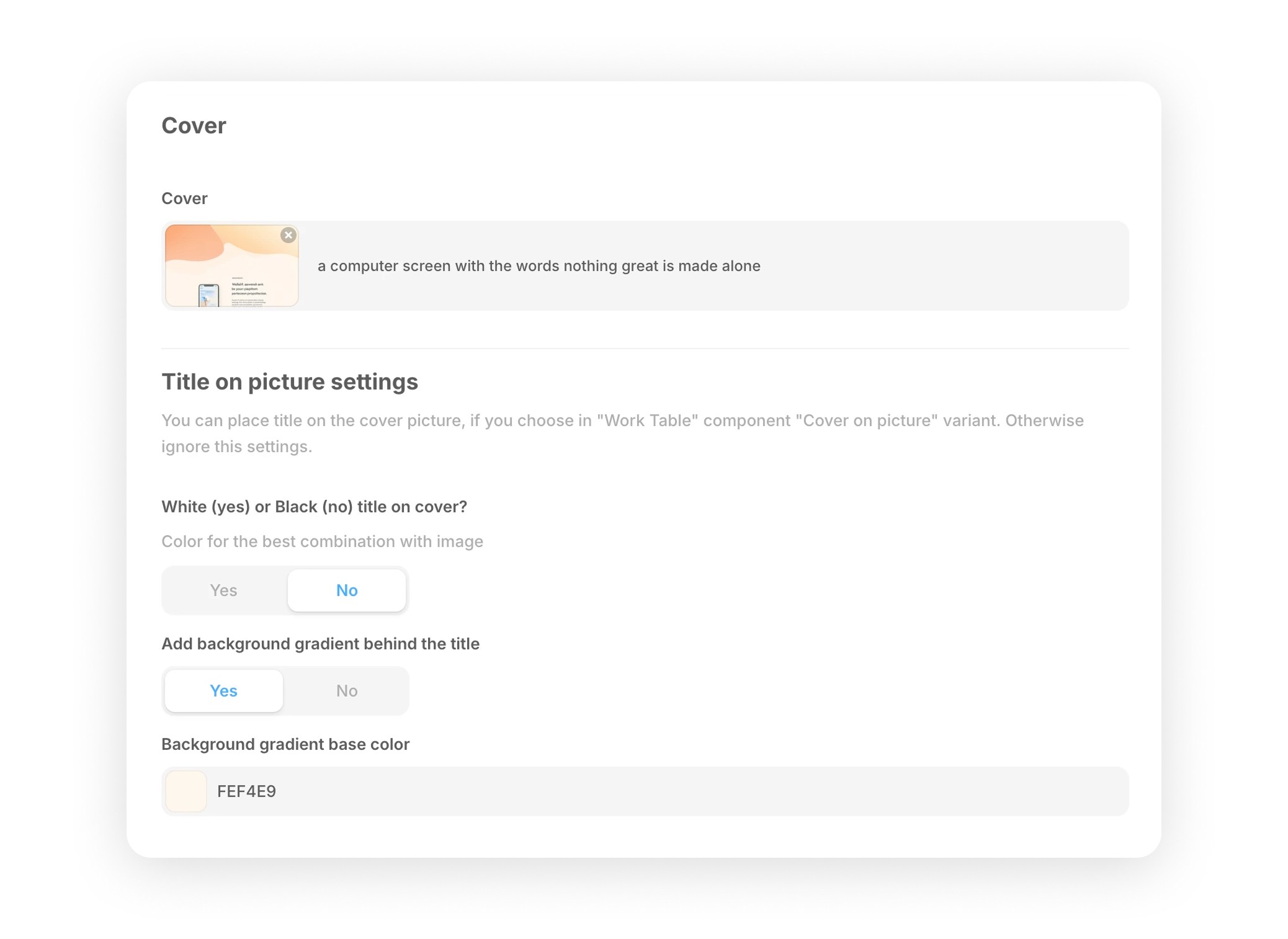
Depending on the image, you choose the gradient color behind the title and the title color, which allows you to create beautiful combinations:
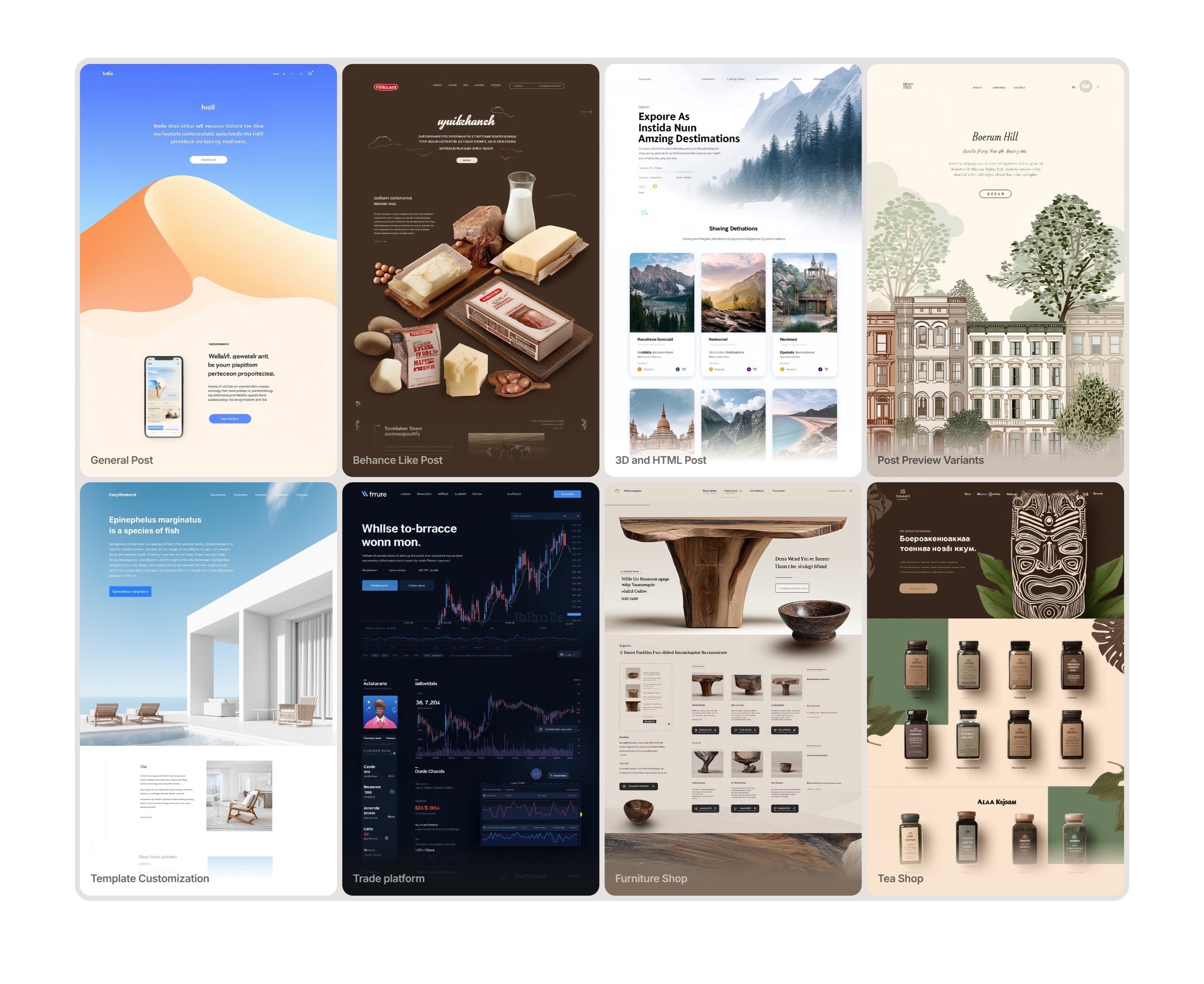
To enable visitors to quickly see the designer's style and immediately engage them before they move on to the text section, a ticker with the latest works has been added at the very top of the website, even before the resume. The ticker is configured to show up to 24 recent works without additional configuration. Just like in a portfolio, you can choose the aspect ratio: Portrait, Quad, or Album.
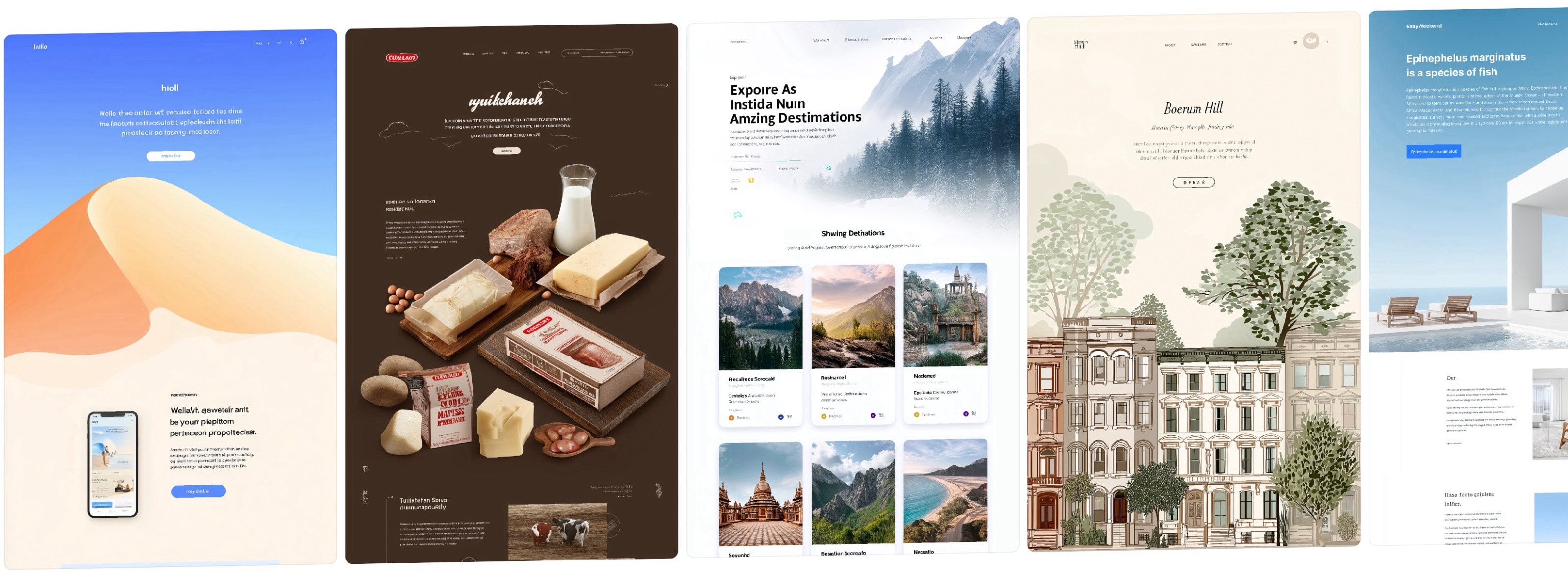
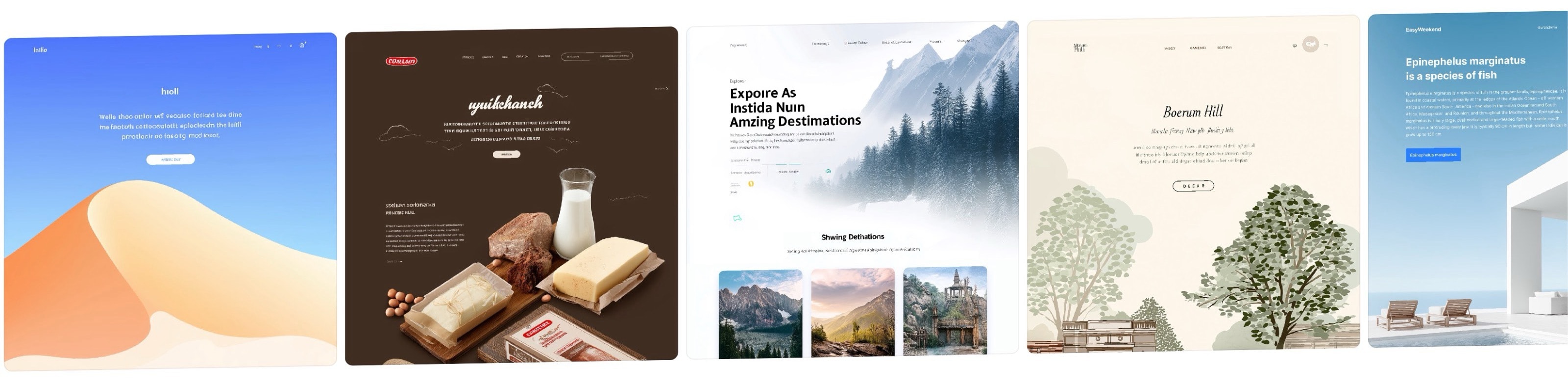

This train can be removed altogether if you don't need to visually attract the user's attention, for example, if you are a coder. To do this, there is an option for a main page without a ticker, where the indents between the columns in the upper and lower blocks are slightly different for a better combination.
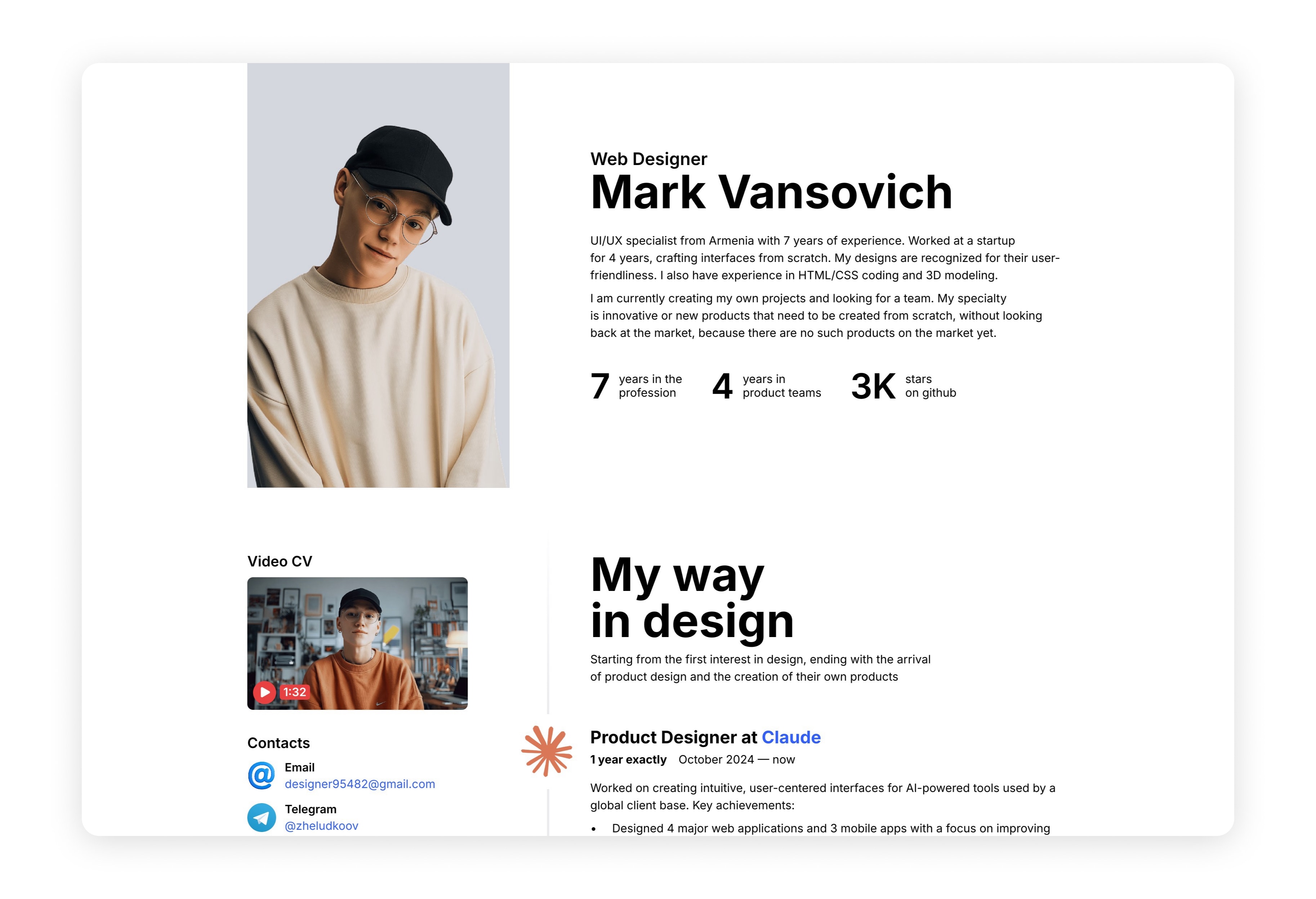
The publication header can have three types of backgrounds, which you can choose for each post:
By default, the post blurred cover, and depending on the color, you choose the color of the header: black or white;
Solid color fill;
Background image.
You can hide the header from the post itself at desktop resolution, where there is a header in the sidebar. This part is also hidden in posts consisting only of images.